

PCode Rewards
Products Program VPoints Join
Install works on supported browsers (HTTPS required).
Infographic • How It Works

A cleaner path to rewards

PCode Rewards makes earning straightforward. Buy an eligible product with a PCode, receive your order, then encode the code as proof-of-purchase. After validation, your VPoints generate automatically from Level 1 to Level 6 until you’re ready for redemption.

Keep your PCode safe—it’s the purchase-linked code used for validation and point generation under the program rules.

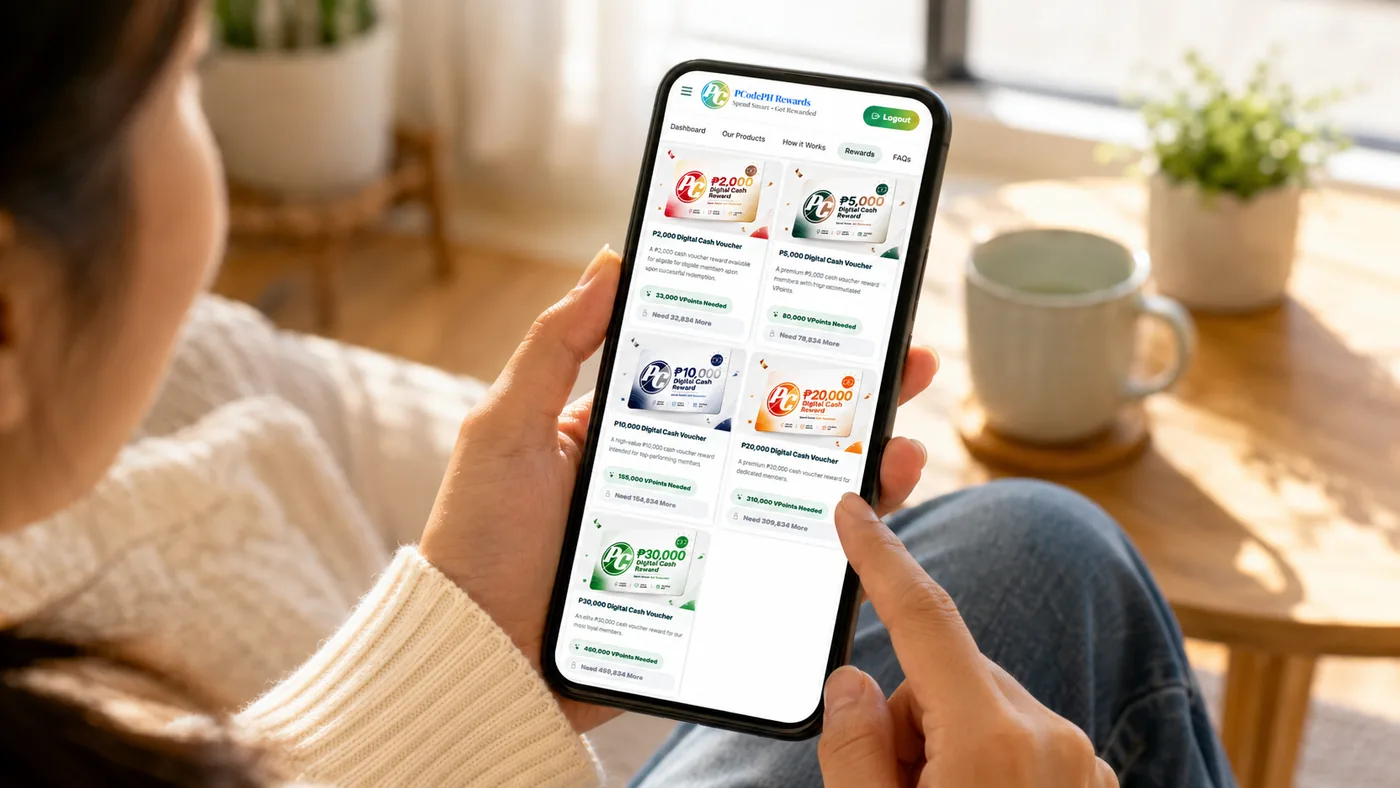
PCode Rewards hero image
Proof-of-purchase first

Encoding + validation ensures points come from real purchases. This keeps the program fair and trusted.


Step-by-step

A simple, visual walkthrough. Each step alternates layout so the page feels like an infographic and stays easy to scan.

Purchase eligible product with PCode
Step 1

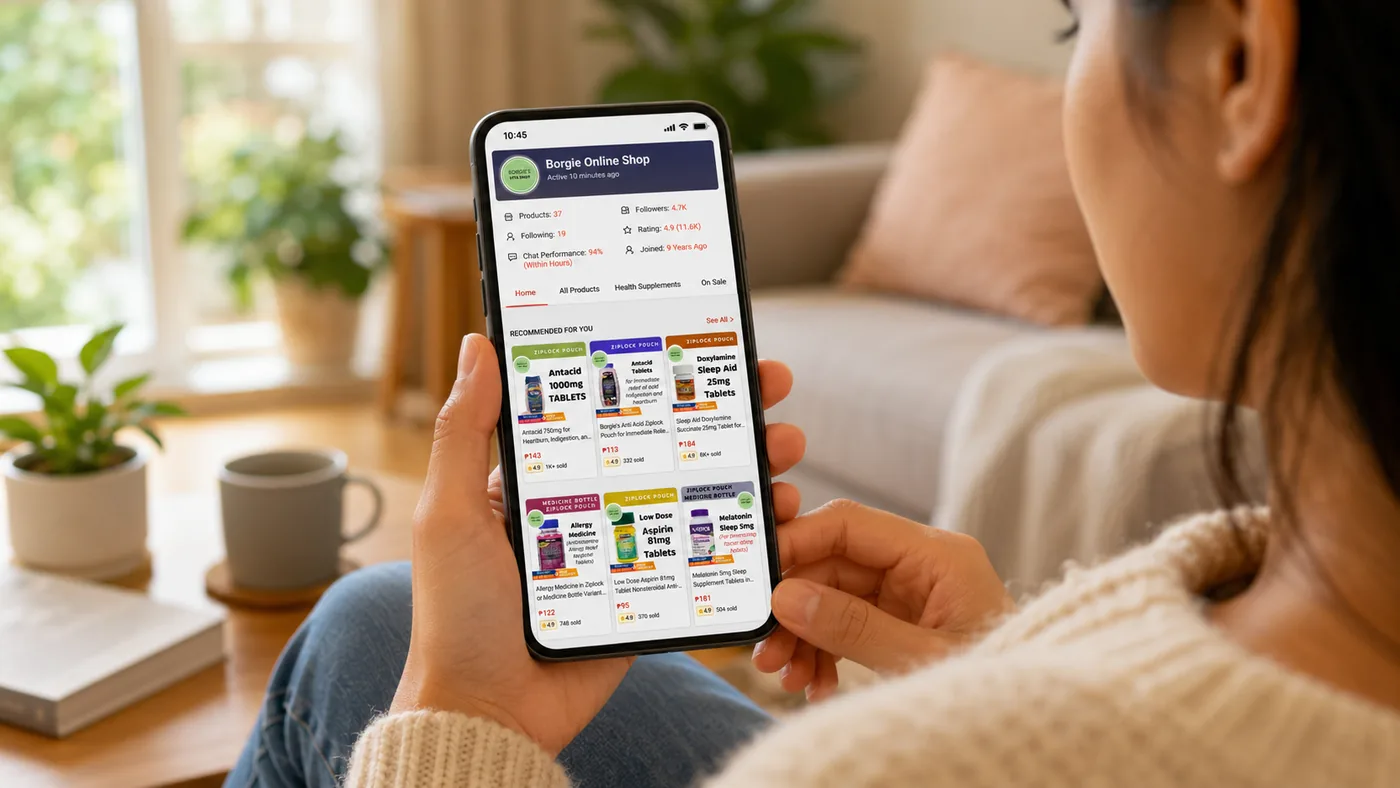
Purchase an eligible product

Choose items that include a PCode. This is your unique purchase-linked code and serves as proof-of-purchase.

Eligible product Unique PCode Purchase-based
Register a free account
Step 2

Create your free account

Your account is your dashboard—where your encoded PCodes, generated VPoints, and activity history are stored.

Personal dashboard Track history
Receive your order
Step 3

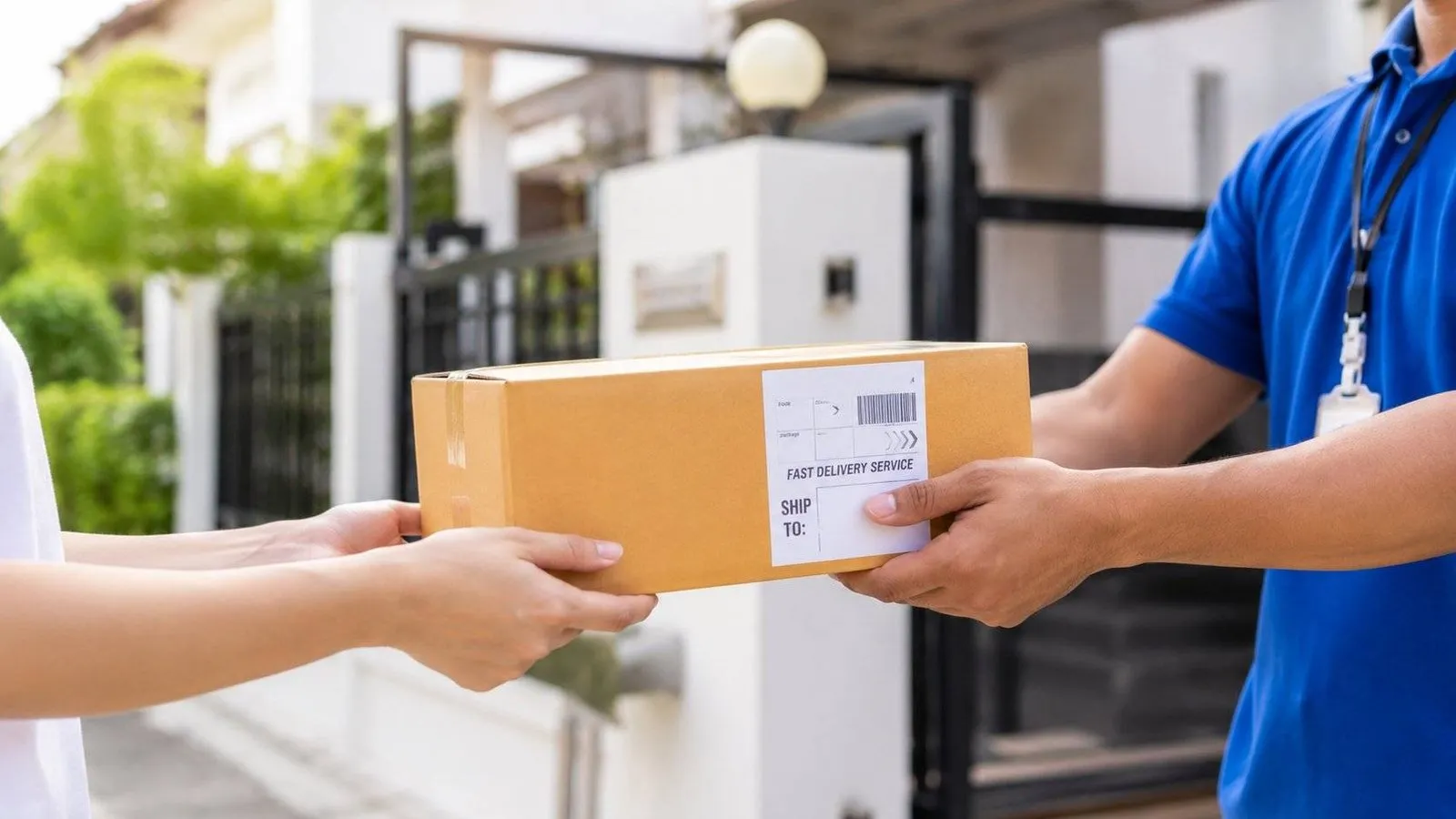
Receive your order

After delivery/receipt, your PCode becomes eligible for encoding. This supports fairness and reduces abuse.

Delivered Eligible to encode
Encode the PCode
Step 4

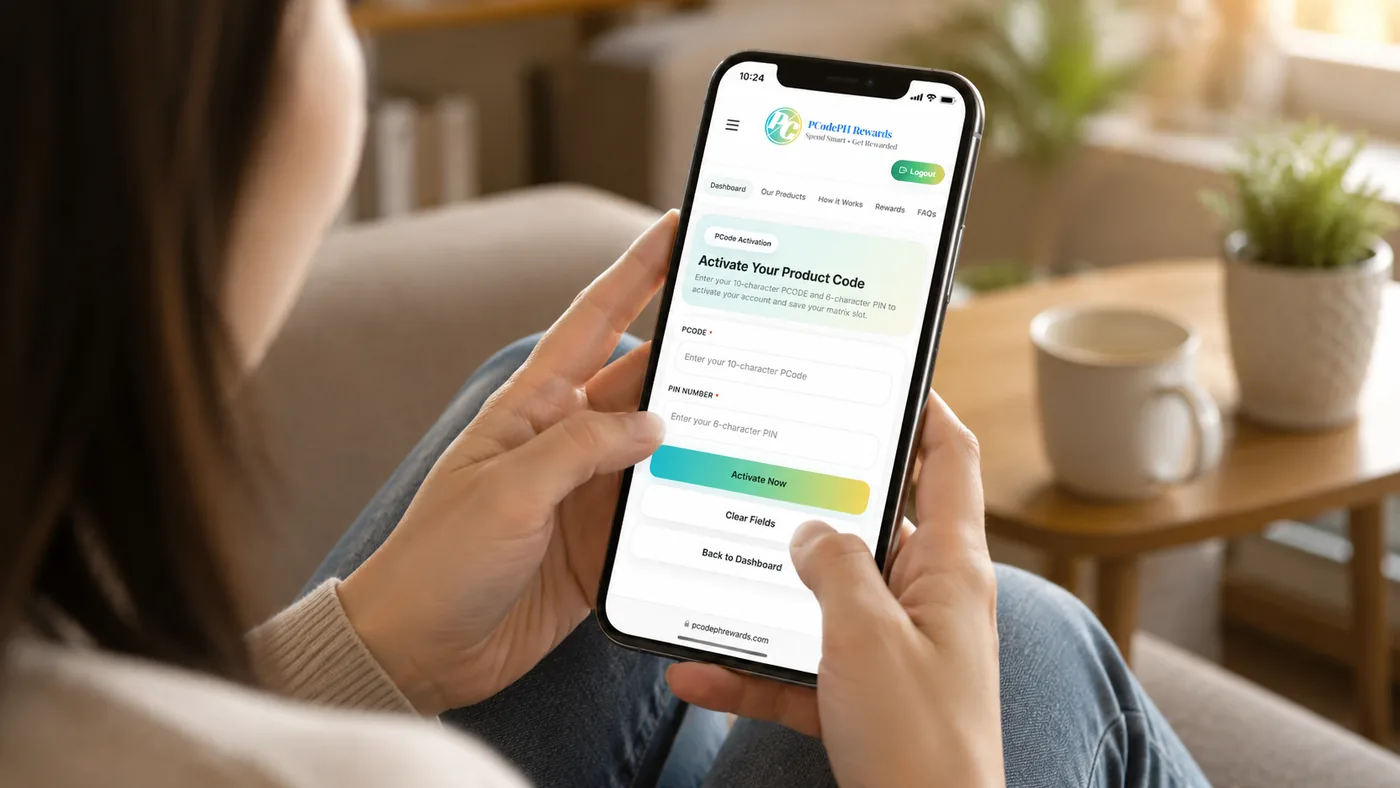
Encode your PCode

Enter your PCode in your account. Once validated, your earning cycle begins—no complicated steps required.

Encode Validate Activate
VPoints generate automatically
Step 5

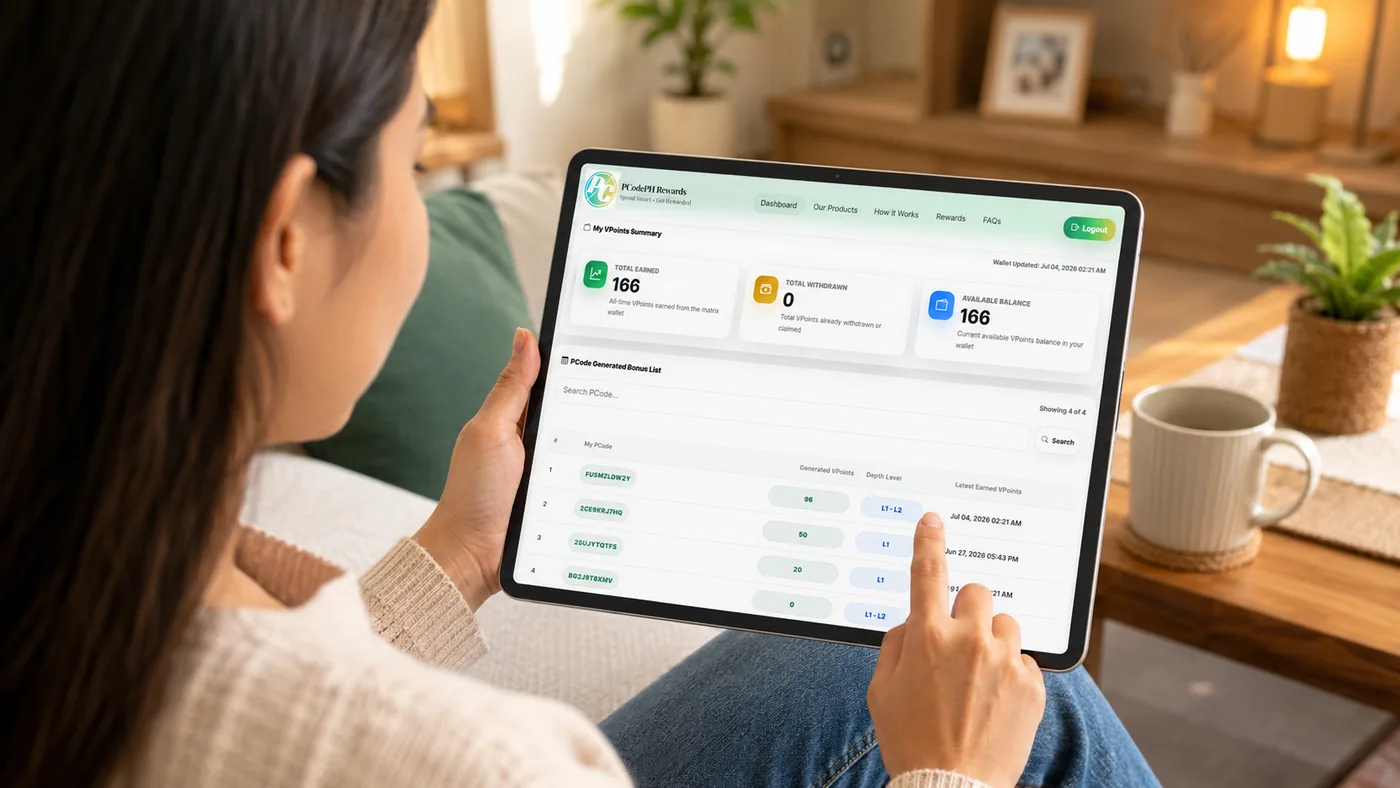
VPoints generate automatically (Levels 1–6)

Your VPoints accumulate across Levels 1 to 6 based on your program rules. No manual claiming is required.

Auto-earn Levels 1–6

VPoints generation (Levels 1–6)

A minimal, card-based explanation of each level. Built for quick scanning and professional clarity.

How levels work Levels represent your progress in the earning cycle after your PCode is encoded and validated. VPoints generation continues automatically according to the program configuration.
Validated PCode required Rules are configurable
L1

Level 1 — Activation

After validation, earning starts. This is the entry phase of your VPoints generation cycle.

L2

Level 2 — Consistent accumulation

VPoints continue to build automatically. No additional steps are required from the user.

L3

Level 3 — Stronger progress

Mid-cycle progress continues. This level contributes to improved readiness for redemption.

L4

Level 4 — Sustained growth

Points keep accumulating steadily under the same program rules and eligibility requirements.

L5

Level 5 — Near threshold

Users commonly approach reward requirements here, depending on the encoded PCode and settings.

L6

Level 6 — Completion stage

The planned cycle completes. Many users qualify for redemption once requirements are met.

Note: Exact VPoints schedules, thresholds, and reward availability depend on current program configuration and eligible products.